
Copy text,
anytime, anywhere.
Text in an image. Subtitles in a video. Words inside a PDF, presentation, or app that won’t let you select them. AnyCopy turns anything visible on your screen into editable text with a simple drag.
One drag. Instant copy.
Grab any text
without retyping.
Drag over text anywhere on your Mac. AnyCopy recognizes it on-device and puts it on your clipboard, ready to paste.
Get AnyCopy for Mac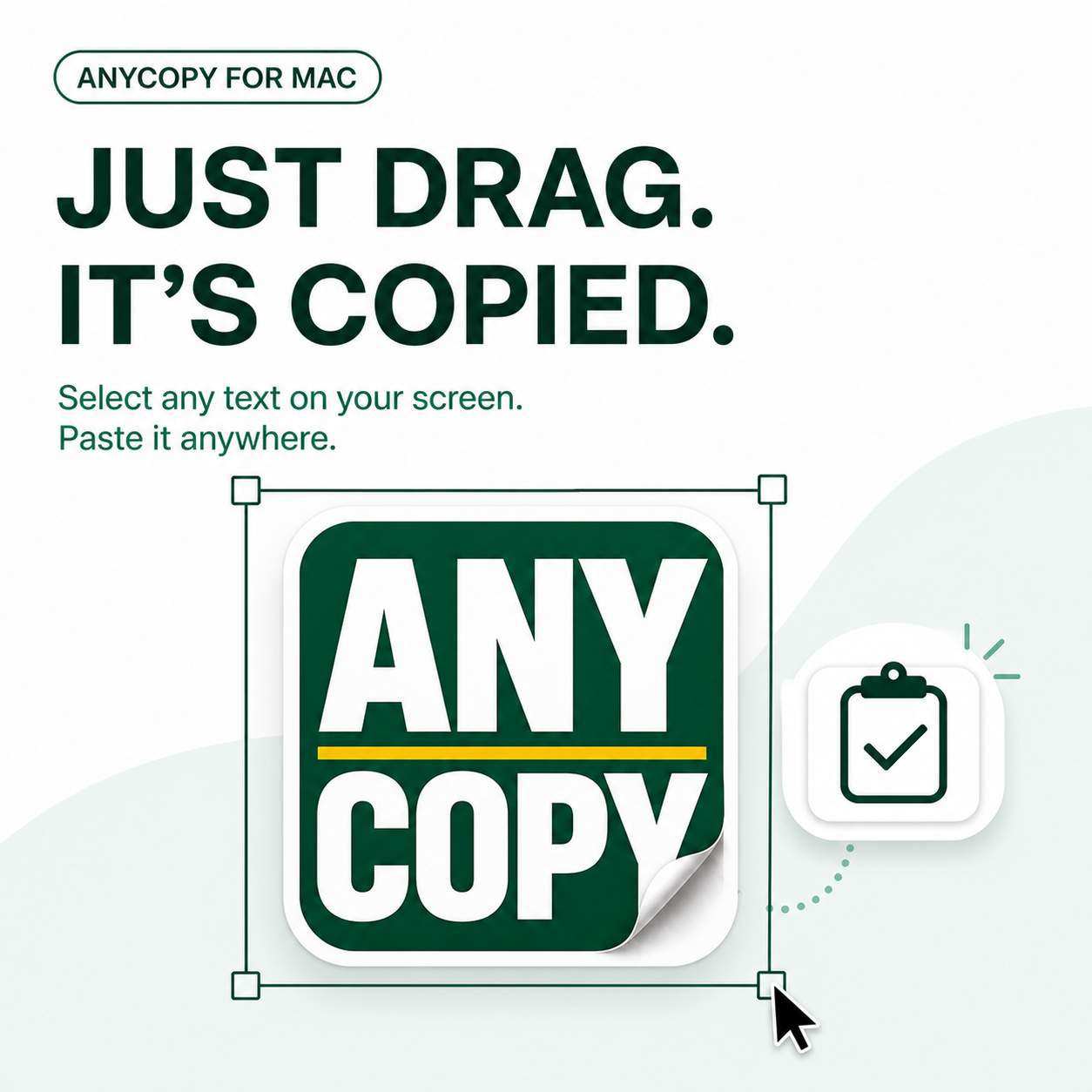
Supported languages
한국어, English, 日本語, 简体中文, 繁體中文, 简体粤语, 繁體粵語, Français, Italiano, Deutsch, Español, Português, Русский, Українська, ไทย, Tiếng Việt, العربية, العربية النجدية, Türkçe, Bahasa Indonesia, Čeština, Dansk, Nederlands, Norsk, Nynorsk, Bokmål, Bahasa Melayu, Polski, Română, Svenska